Dashboard Overview
The Dashboard is the application for interacting with the Phase Two application. It runs off our APIs meaning you can setup and automate any part of this for your own use-cases.
Login/Register
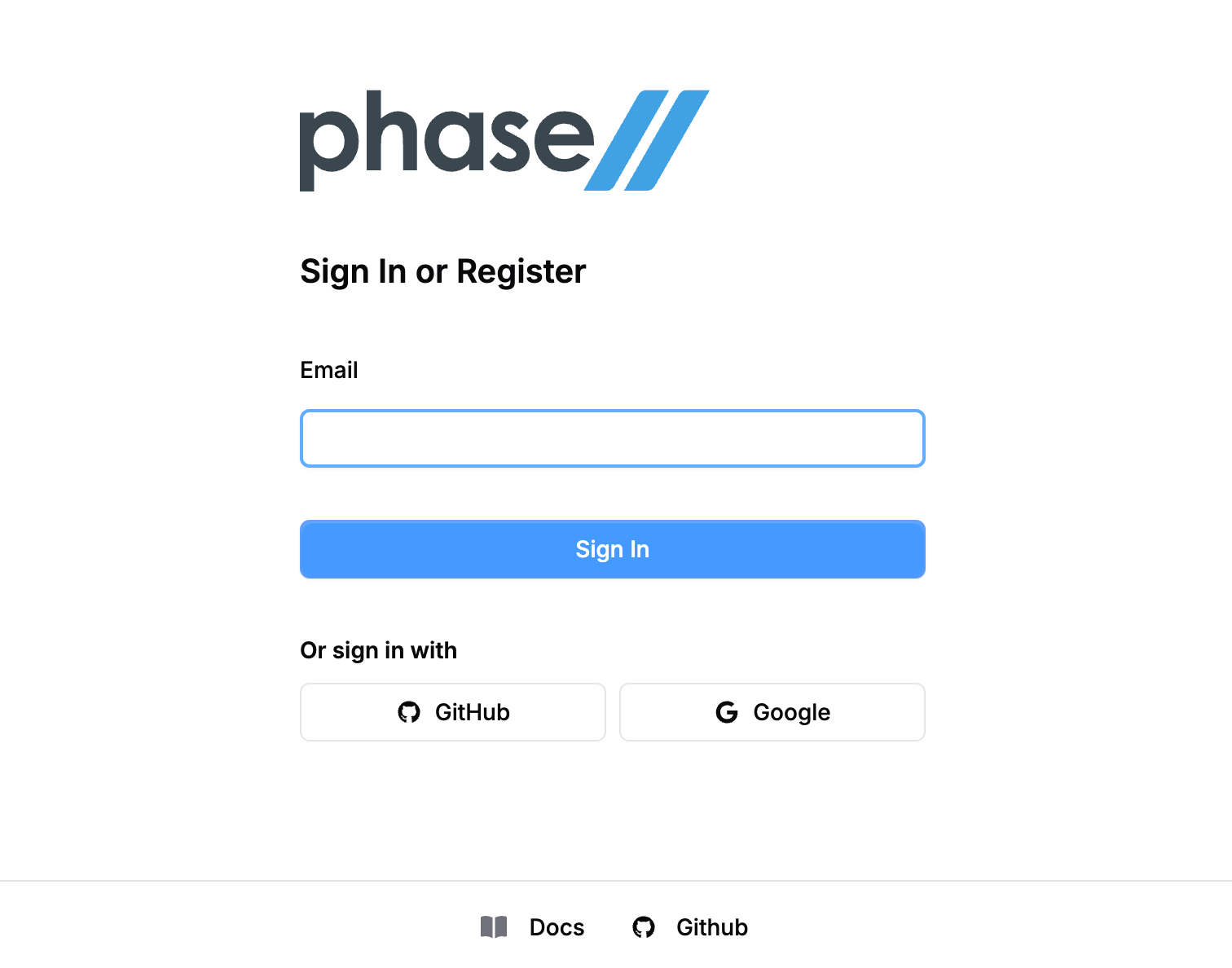
Learn more about the Login process
Overview
A general view of the current infrastructure that your team has, including the clusters you have access to and the realms in them. New users see quick-start cards to create their first cluster; once you have infrastructure, the page summarizes it with at-a-glance stats and per-section detail.
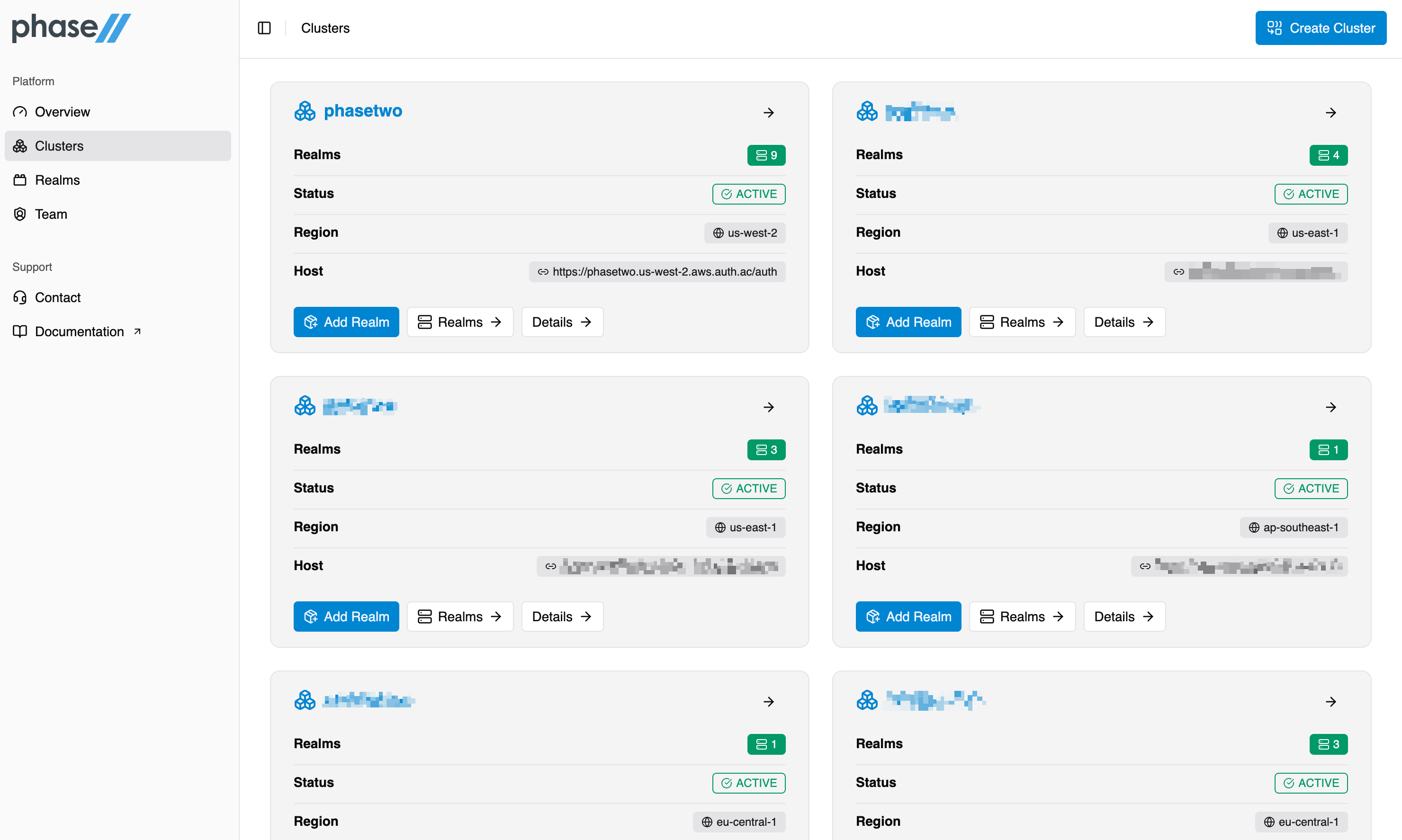
Clusters
Dedicated infrastructure from Phase Two is known as a Cluster. This is a highly-available setup for running your Keycloak instance. For more information, view our Clusters page.
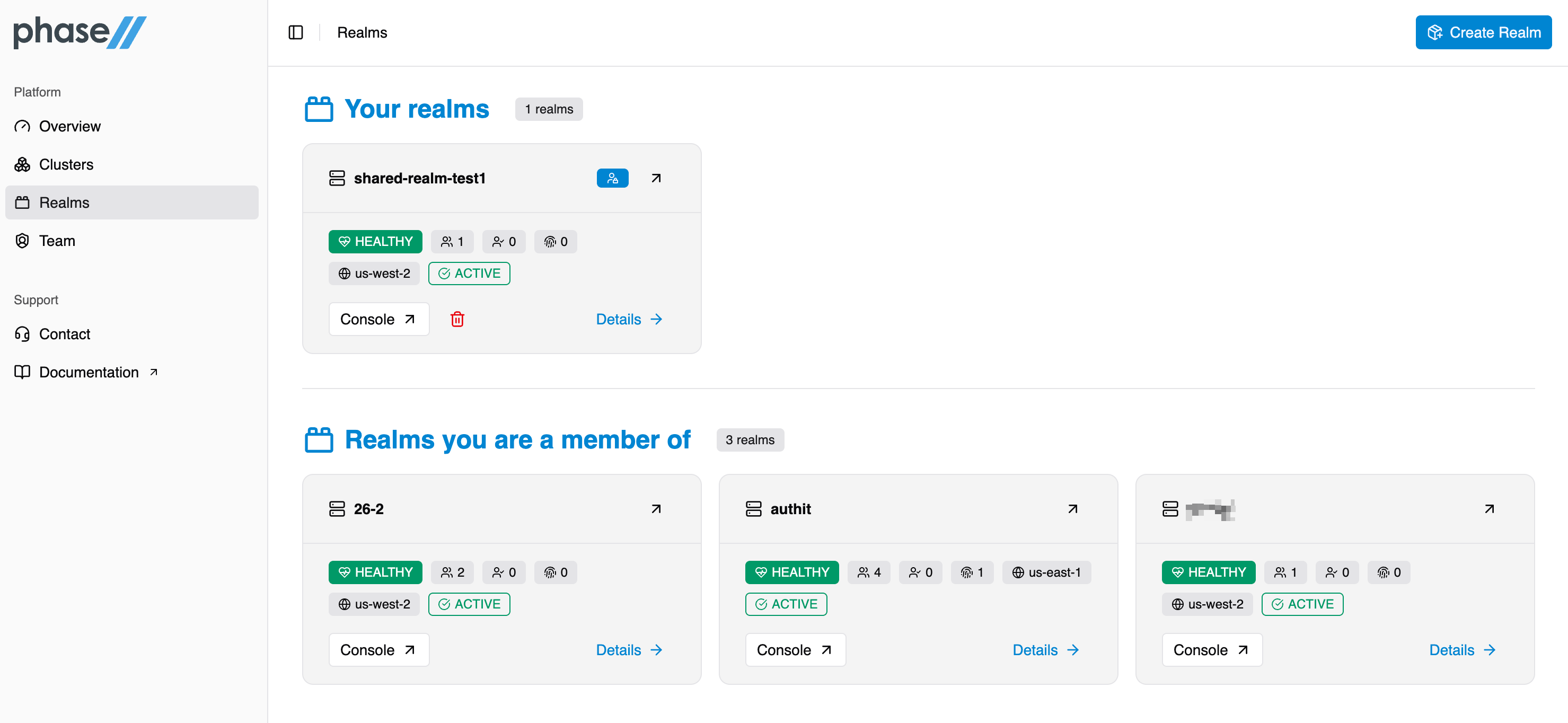
Realms
Realms live in your clusters. For a specific realm, launch the Keycloak Admin UI by clicking "console". For more information, view our Realms page.
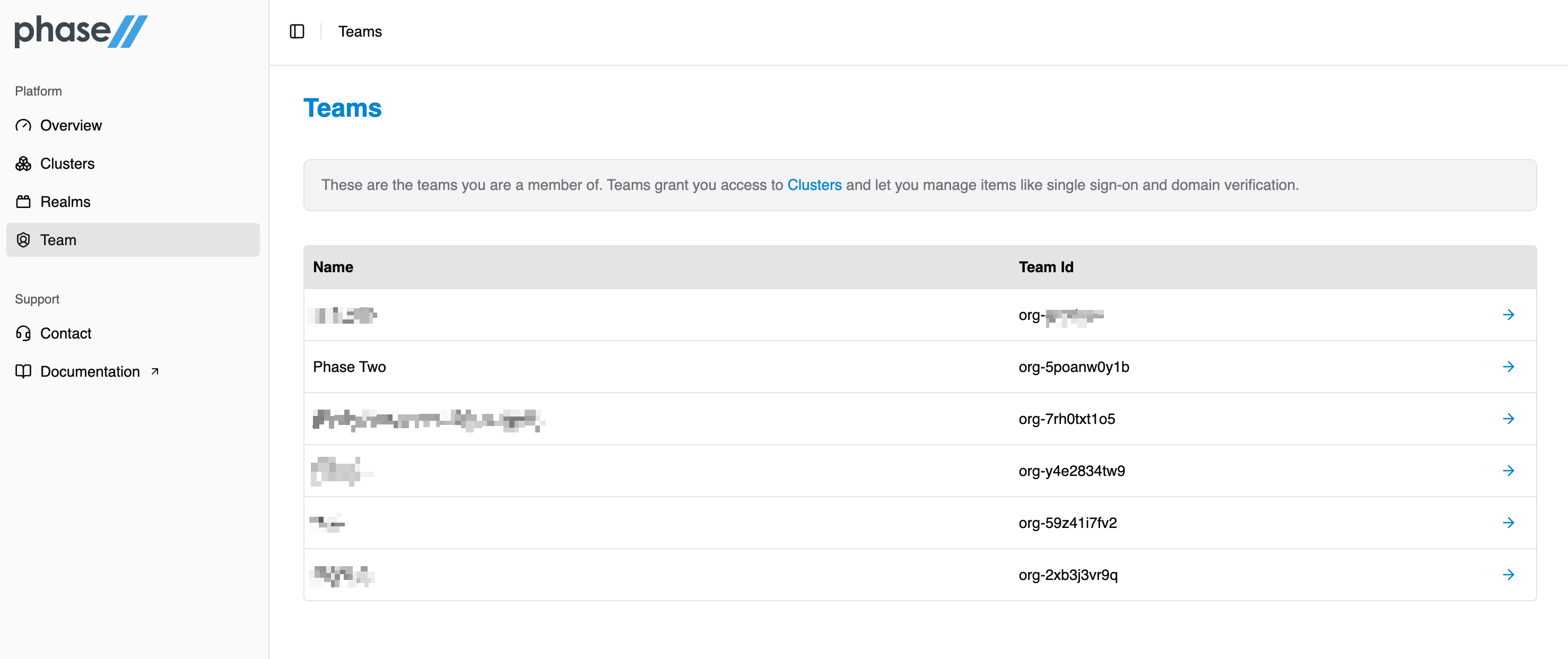
Team
Teams are the way in which you add team members to access either your realm or dedicated cluster. For more information, view our team page.