Realm Configuration
Phase Two provides a sensible set of configuration defaults designed for common use cases, but you may want to adjust certain settings to better fit your specific requirements. Your initial configuration may vary depending on how you are using Phase Two (such as self-service, dedicated deployments, or Docker images). While many options may already be set by default, this section explains the purpose of each setting and highlights basic changes you might consider to tailor the functionality to your needs.
Basic settings
There are a couple of default configuration choices you should be aware of before opening up your application to the world.
Login and registration
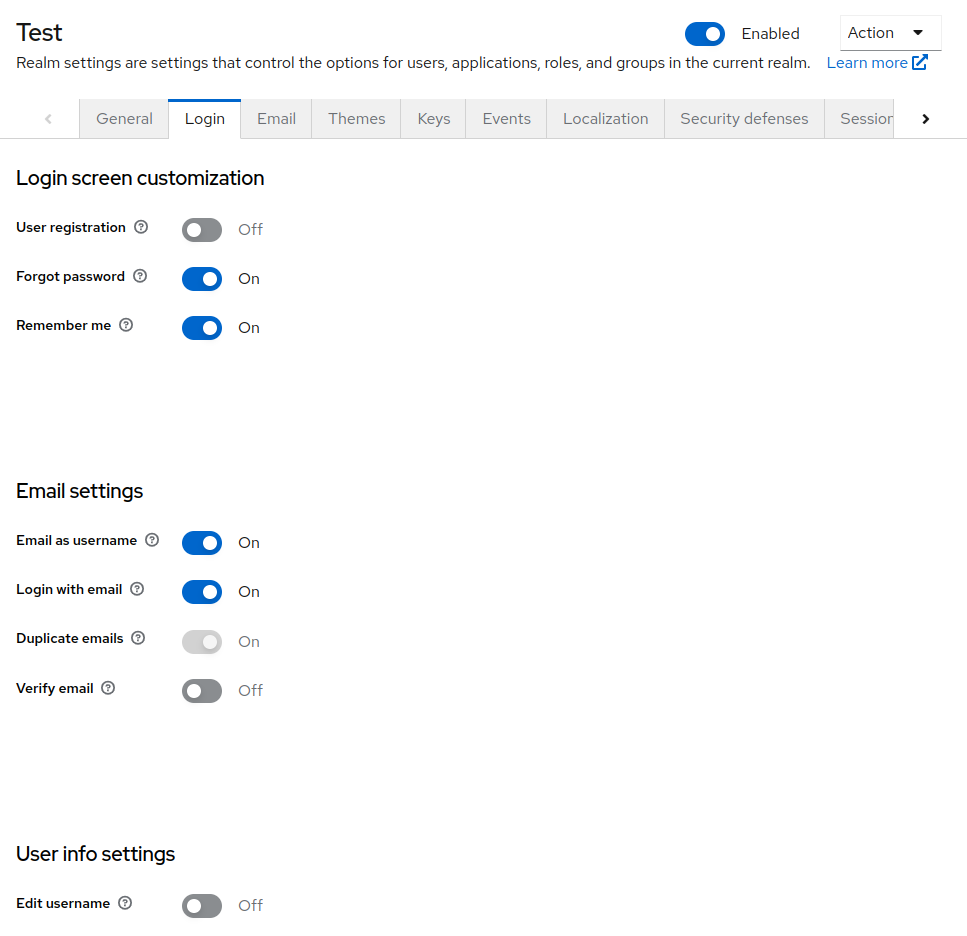
In the Realm settings section, in the Login tab, you will find several important settings.
- User registration controls if users can register for your application, and enables the default registration screens.
- Email as username controls if the users email address will be used as their username.
- Login with email allows users to log in with their email address, regardless if their email is their username.
- Verify email requires the user to verify their email address. An email server must be set up in your account in order to send a verification email to your users. See the email server configuration guide for more information.
User profile
By default, only username, email, first name and last name are collected. You can collect more.
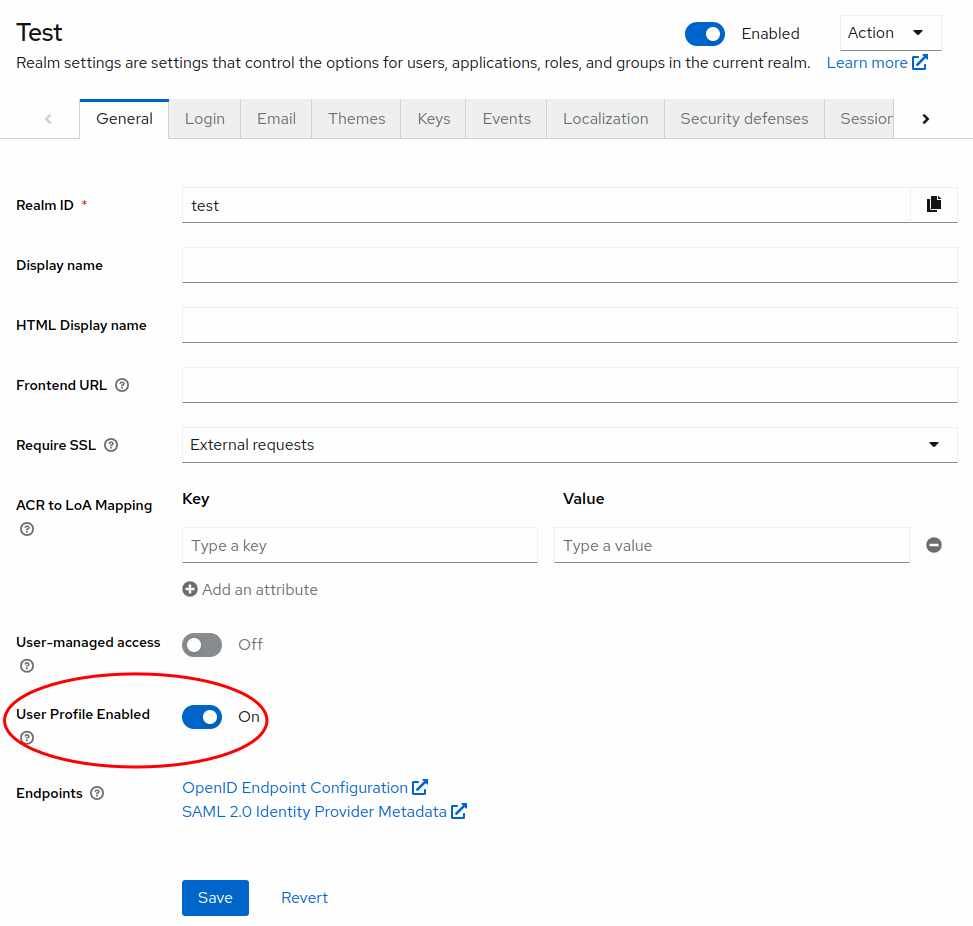
In the Realm settings section, open the User profile tab. Since Keycloak 24 the declarative user profile is always on, so there is no toggle to enable first. You can add attributes, control who can view and edit them, make them required, and add validation. See Managed vs Unmanaged Attributes for how Keycloak treats attributes that aren't defined in the user profile.
Themes
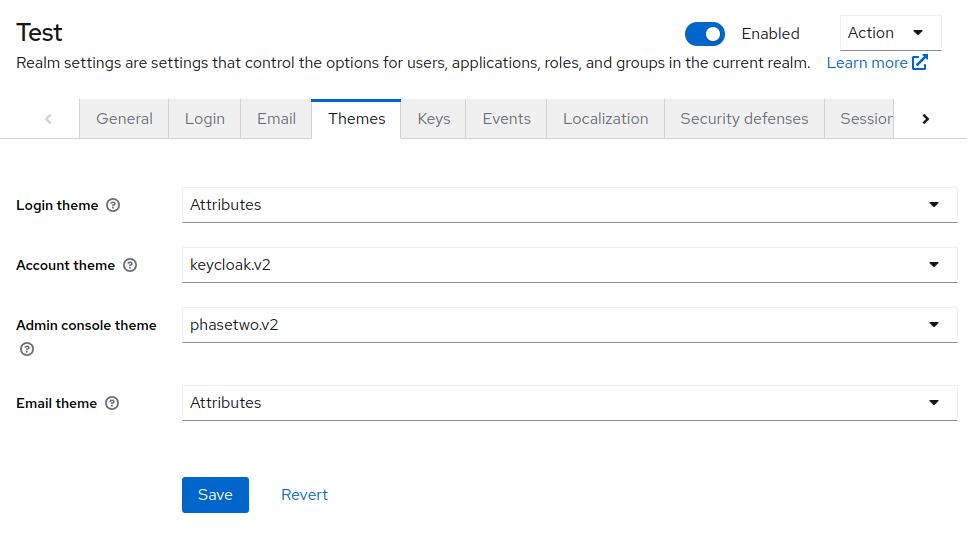
In the Realm settings section, select the Themes tab. Phase Two ships a single theme, phasetwo-ui, that covers the login, account, admin console, and email themes. Select it for each of them to get all of the branding and extension features described in these docs.
Login
The phasetwo-ui login theme lets you customize the login UI without deploying a custom theme. It must be selected to use the options in the customizing UI section. The older attributes and attributes-v2 login themes still work but don't receive new features.
Admin console
If you don't see an Extensions section at the bottom of the left navigation, set the Admin theme to phasetwo-ui. This theme contains the admin UI for managing the Phase Two extensions, such as Organizations and Styles. Log out and log back in to the admin console for the change to take effect.
Realms that used the older phasetwo.v2 admin theme need to be switched to phasetwo-ui. The phasetwo.v2 theme is no longer included, and a realm left on it falls back to the default Keycloak admin console without the Phase Two extension screens.
Email
The phasetwo-ui email theme enables the email branding and template editing described in the emails section.