Configuration
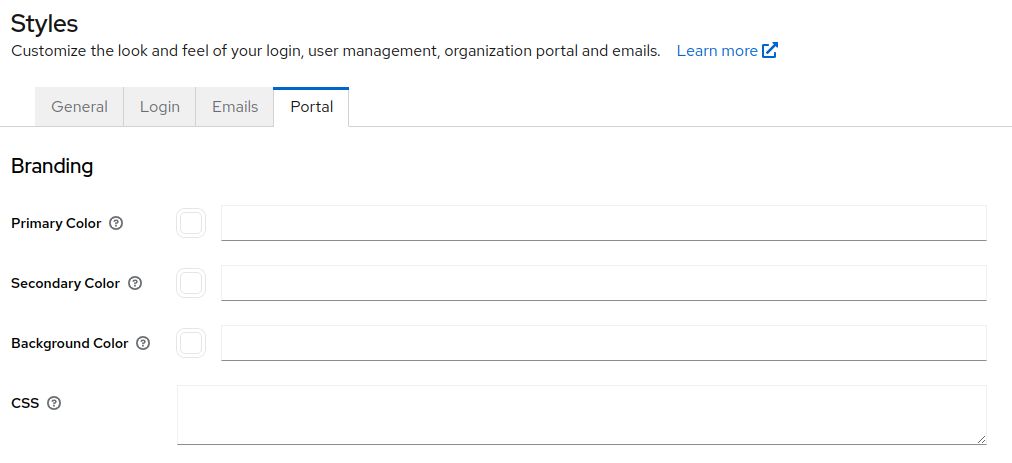
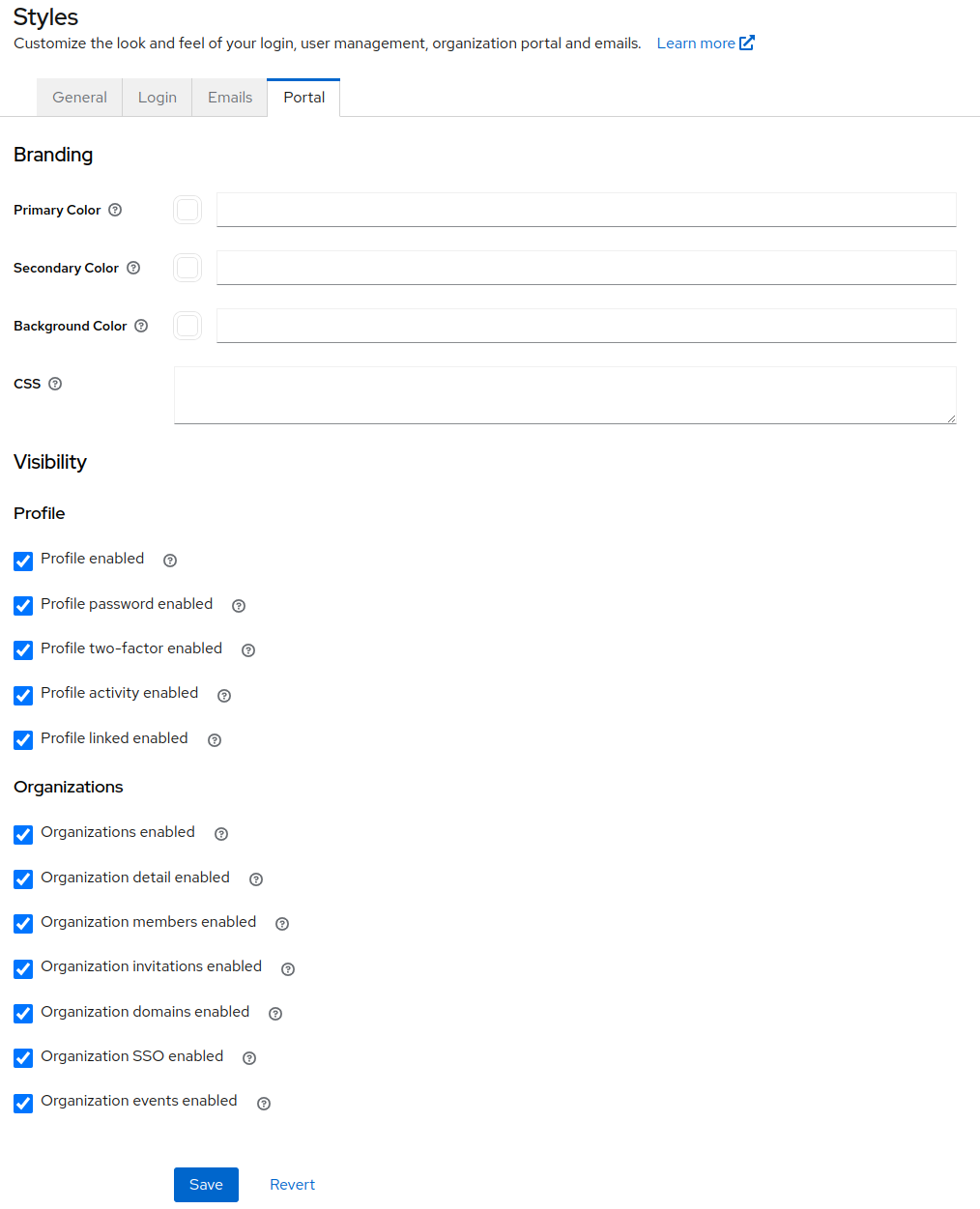
In the Styles->Portal section of the admin UI, it is possible to configure user access to portions of the portal. This has the effect of limiting the self-management functionality that is available to your users. The sections that can be toggled are:
- Profile View and edit profile information such as first name, last name and email. View and edit credentials, linked account, and manage authenticated sessions.
- Password update Update password.
- 2FA create/update Add and remove 2FA mechanisms like OTP and WebAuthn.
- Device activity View and terminate active authentication sessions.
- Linked accounts View, create and remove links with social and other identity providers.
- Organizations View and (conditionally) edit details of organizations for which a user is a member.
- Details View and edit organization profile information.
- Members View and manage organization members and their roles. Invite new members.
- Invitations Invite new members.
- Domains Add and verify email domains for SSO login.
- SSO Create and update SSO connections to organization identity provider.
- Events View events related to organization member activity.
Styles
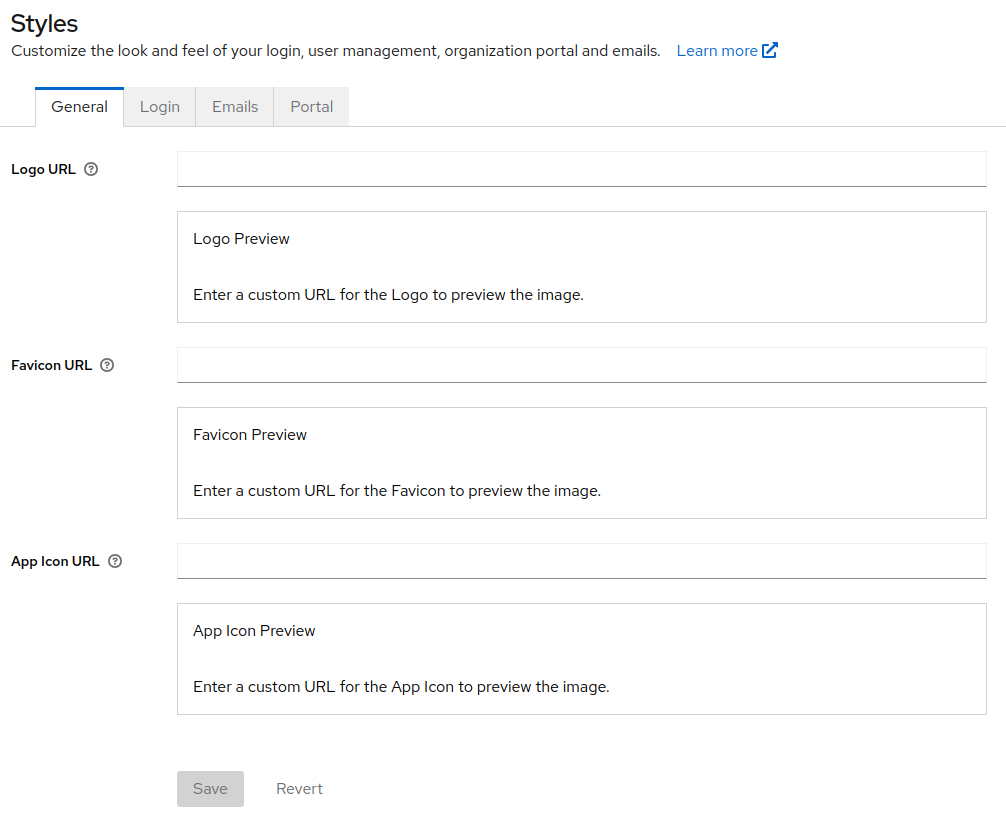
Currently, the logo and favicon set in the general styles section will be used when rendering the portal in order to preserve your branding.
Additionally, you can override three colors used in the portal, and optionally override the entire CSS. See the Admin Portal source code for details for overriding the stylesheet.